ServeMon
ERROR 1045: Access denied for user 'root'@'localhost' with Homebrew MySQL
ERROR 1045 (28000): Access denied for user 'root'@'localhost' (using password: NO)Before touching any passwords, read the end of the line. using password: NO means the client sent no password and the account has one: add -p. using password: YES means it sent one and it was wrong, or the account does not accept passwords at all. Below, $(brew --prefix) is /opt/homebrew on Apple silicon and /usr/local on Intel.
What Homebrew set up
The mysql formula initializes its data directory with mysqld --initialize-insecure, which creates 'root'@'localhost' with an empty password and the default caching_sha2_password plugin. The install caveat says so:
We've installed your MySQL database without a root password. To secure it run:
    mysql_secure_installation

To connect run:
    mysql -u root
So on a fresh install, mysql -u root with no -p works. If it does not, someone set a password since. That includes a previous you: Homebrew only initializes $(brew --prefix)/var/mysql when it holds no database yet, and brew uninstall mysql never deletes it. Reinstalling MySQL, or moving between [email protected] and mysql (both use that directory), keeps the old accounts and the old root password.
Make sure it is the server you think
lsof -nP -iTCP:3306 -sTCP:LISTEN
mysql -u root -p -S /tmp/mysql.sock
mysql -u root -p -h 127.0.0.1 -P 3306
If the error names a host other than localhost, such as an IP address, you reached a server that sees you as a network client, typically a Docker container publishing 3306. Its root password is whatever MYSQL_ROOT_PASSWORD was when its data directory was first initialized; changing the variable later, with the same volume, changes nothing. docker inspect -f '{{.Config.Env}}' <name> shows what it was started with. When the socket and TCP give different answers, you have two servers; MySQL socket versus TCP explains which one each command reaches.
MariaDB: root logs in by socket, not password
If SELECT VERSION(); (or brew list) says MariaDB, the rules are different. Its installer creates root@localhost and an account named after your macOS user, both IDENTIFIED VIA unix_socket OR mysql_native_password USING 'invalid': no password will ever work, and the socket plugin only lets you in as the account matching the operating-system user running the client. Homebrew runs the server as you, so log in as your own account, with no password:
mysqlor as root, through the socket:
sudo mysql -u rootTo give root a password as well, keep the socket login and add one:
ALTER USER root@localhost IDENTIFIED VIA unix_socket OR mysql_native_password USING PASSWORD('new-password');auth_socket answers are for Linux
Most results for this error are from Ubuntu, where the packaged MySQL gives root the auth_socket plugin and the fix is sudo mysql. That plugin needs the SO_PEERCRED socket option, which is Linux only, and Homebrew's MySQL does not use it. On a Mac, sudo does not help with MySQL, only with MariaDB. Once you are in, this shows what each account really uses:
SELECT user, host, plugin FROM mysql.user;Reset the root password
If the password is gone, restart the server once with an init file that sets a new one. This is the MySQL manual's method, and unlike --skip-grant-tables it never leaves the server running without access checks. Stop the Homebrew service first; two servers on one data directory fail with Unable to lock ./ibdata1.
brew services stop mysql
pgrep -l mysqld
echo "ALTER USER 'root'@'localhost' IDENTIFIED BY 'new-password';" > ~/mysql-reset.sql
"$(brew --prefix)/opt/mysql/bin/mysqld" --datadir="$(brew --prefix)/var/mysql" --init-file="$HOME/mysql-reset.sql"
pgrep should print nothing before you start. The server runs in the foreground; wait for ready for connections, then in a second Terminal window:
mysqladmin -u root -p shutdown
rm ~/mysql-reset.sql
brew services start mysql
The shutdown doubles as the test: it only works with the new password. For a versioned formula, substitute [email protected] in the service name and the opt path. If the foreground server prints an error for the ALTER USER line, the account may not exist as 'root'@'localhost'; read the error before trying anything else. The alternative, --skip-grant-tables, also works (MySQL turns networking off for the duration), but you must run FLUSH PRIVILEGES; before ALTER USER will work in that mode.
mysql_secure_installation
mysql_secure_installationThis is what the caveat suggests on a fresh install. It always prompts for the current root password (press Return if it is still empty), then offers to set one and to remove anonymous users, remote root logins, and the test database. A Homebrew-initialized server has none of those last three, so for local development its real job is setting the password. It first asks whether to enable the validate_password component; say yes and every later password has to meet its strength policy, including the ones your app's fixtures use.
After a password is set, your apps need it too: an app still connecting as root with no password now gets using password: NO. For the command-line client, mysql_config_editor set --login-path=client --user=root --password stores it in ~/.mylogin.cnf so mysql stops asking.
The easier way
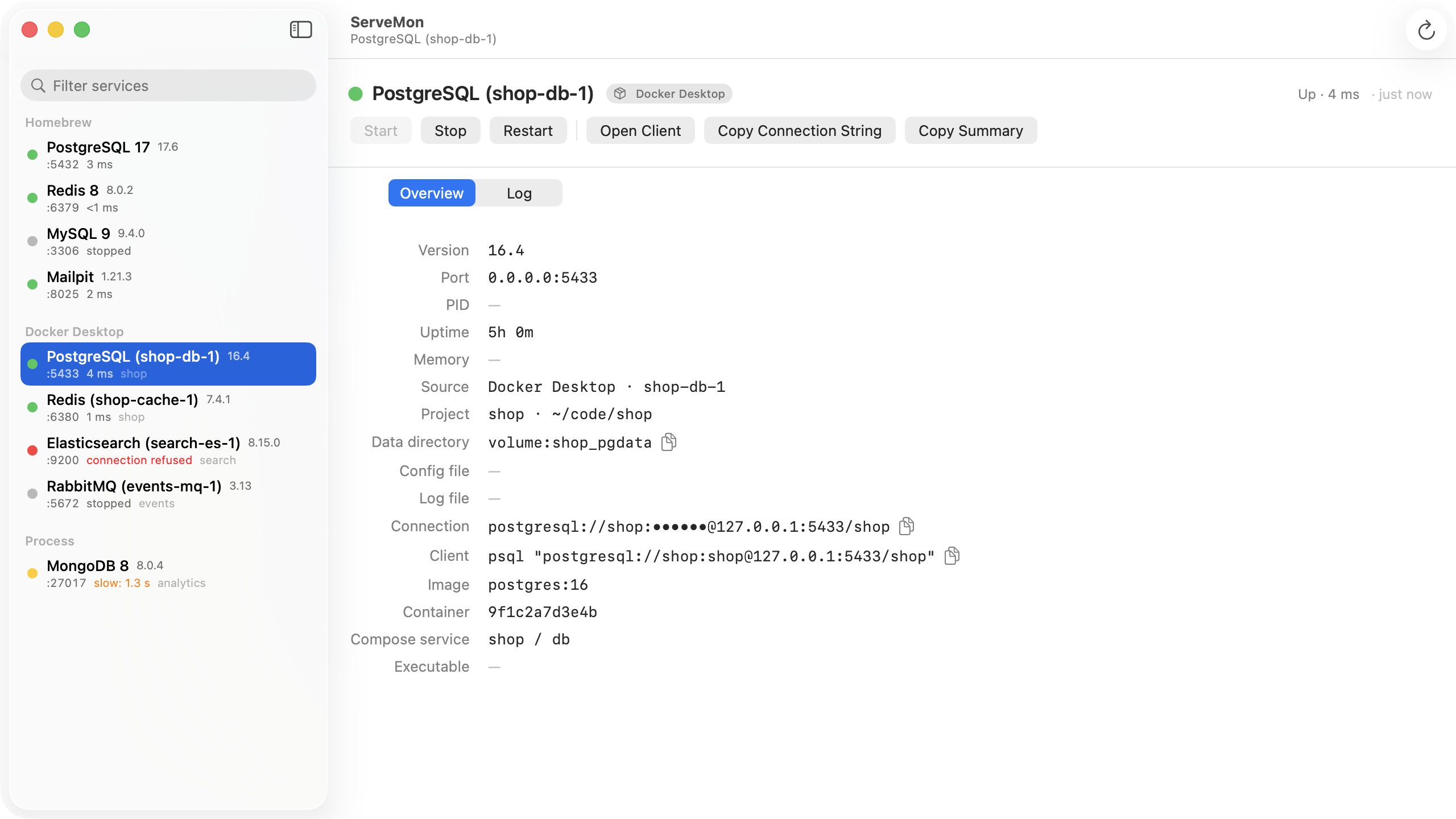
ServeMon's MySQL probe reads the handshake the server sends before any login, so a green dot next to an Access denied error tells you the server is fine and the problem is credentials. Each MySQL and MariaDB is listed with its source badge, port, and data directory, so a container on 3306 is not mistaken for Homebrew, and a container's connection string carries the user and password from its environment. Stop and Start go through brew services, which covers both ends of a password reset.